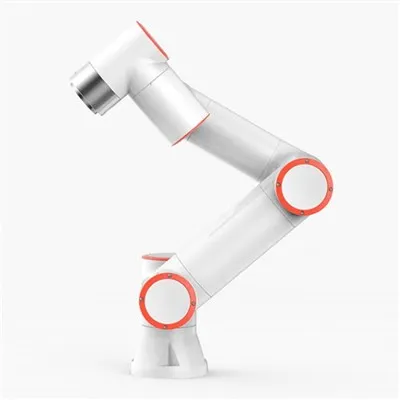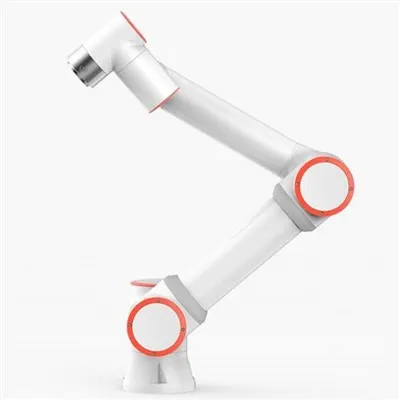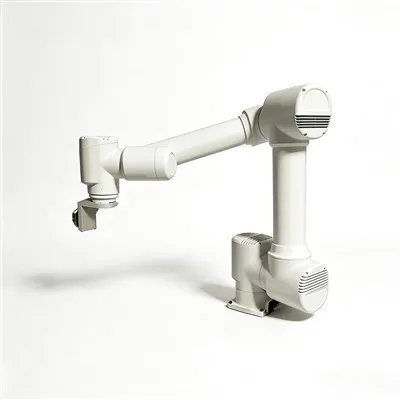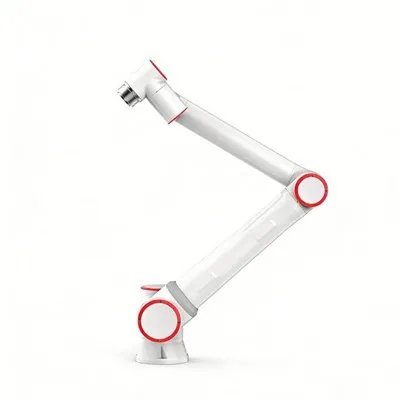

Daily maintenance of collaborative robots needs to balance mechanical stability and human-robot interaction safety, especially since they often work in close proximity to humans.
In high-frequency human-robot collaboration scenarios, collaborative robots require more meticulous maintenance due to long operating hours and frequent environmental contact. The following are core maintenance points summarized based on industry practice:
Daily Cleaning and Visual Inspection
Keeping the robot body clean is the first step in preventing malfunctions:
After each day's work, wipe the arm surface, control panel, and base with a dry, lint-free cloth, paying particular attention to cleaning dust and debris from joint gaps and end effector connections.
Avoid using cleaning agents containing strong solvents such as acetone to prevent damage to seals or coatings.
Check the outer casing for scratches, deformation, or signs of aging, and promptly assess whether they affect safe operation.
Cable and Connection System Inspection
Cables are crucial for signal transmission; prevent wear that could lead to communication interruptions:
Check the power lines, encoder cables, and air hoses for damage, twisting, or loose connections, especially in frequently moving workstations.
Ensure all connectors are securely fastened and free from oxidation or burning.
Any minor damage should be promptly repaired or the connector replaced to prevent short circuits.
Lubrication of Joints and Transmission Components
Lubrication directly affects motion accuracy and lifespan:
As per the technical manual, apply low-resistance grease to all joint lubrication points weekly, using a dedicated grease gun to slowly inject until old grease is evenly distributed.
For precision parts such as the hollow wrist, only a few drops (approximately 1 gram) are needed each time to avoid overuse and potential seal damage.
After lubrication, manually move the joint 5–8 times to ensure full grease penetration.
Sensor and Control System Testing
Ensuring the sensitivity of the sensing and control system:
Clean the detection surfaces of the force sensor and position sensor by gently wiping with a lint-free cloth dampened with isopropyl alcohol.
Verify that the emergency stop button and safety door interlock device respond normally to ensure safe human-machine collaboration.
Check the teach pendant screen display, button sensitivity, and alarm function.
Regular Calibration and Software Maintenance: Accuracy drift directly impacts job quality.
Perform zero-point calibration regularly, especially after battery replacement or long-term shutdown and restart.
Back up system parameters to prevent increased debugging workload due to system crashes.
Update firmware promptly to fix known vulnerabilities and optimize control algorithms.